Wondering about the best camera apps for Android travel? Start with your phone’s own camera, then add Open Camera if you want manual control and RAW files.
This guide is part of our series on mobile photography apps.
| Item | Value |
|---|---|
| Open Camera minimum Android version | Android 6.0 or better |
| Open Camera RAW support | RAW (DNG) files via the Camera2 API |
| Open Camera in-app ads | No third party ads in the app |
| Pixel Night Sight with flash on | Automatic Night Sight doesn’t work |
| Pixel astrophotography zoom (Pixel 4a (5G) and later) | 1x or greater |
Figures come from the Open Camera site and the Pixel Camera Help page. They can change, so check those sources before you rely on them.
What a travel camera app actually needs
Travel shooting is mostly low light, moving crowds and quick snapshots. A good app has to be fast to open, handle dim evenings and, ideally, let you keep a RAW file for editing later.
Before you install anything, check what your phone already does. Many Android makers ship strong cameras with night and HDR modes, and a third-party app can only use what your hardware exposes.
- Speed: can you launch it with a double-press and shoot in a second?
- Low light: does it have a night mode or long exposure?
- Control: can you lock focus, exposure and white balance?
- Output: does it save RAW (DNG) as well as JPEG?
Your stock camera or Pixel Camera first
If you own a Pixel, the built-in camera is hard to beat for trips. Its Night Sight mode is found by opening the camera and tapping Night Sight in the Photo mode carousel, according to Google’s Pixel Camera Help page.
On that page, Google also says that when you shoot in low light with Photo or Portrait mode, Night Sight automatically turns on. It adds that Automatic Night Sight doesn’t work when the camera flash is on, so turn the flash off for evening street scenes.
For night skies, Google’s help page says that on Pixel 4a (5G) and later, astrophotography only works at zoom settings equal to or greater than 1x. Prop the phone on a steady surface or a tripod, and a 3 second self timer helps keep it still.
Not on a Pixel? Samsung, OnePlus and others have their own night modes in the default app. Test them at home before you leave rather than on the first night abroad.
Whichever phone you carry, learn where the night mode, the HDR setting and the flash toggle live. Finding them in a dark street with a tour group waiting is a poor time to explore menus.
It also helps to know what each mode is for. A night mode takes a longer, merged exposure, so it suits still subjects like buildings, bridges and lit fountains, and it is a poor choice for people who will not stand still.
Open Camera for manual control and RAW
Open Camera is a free, open-source camera app for Android phones and tablets. Its developer lists Camera2 API support with manual controls (with optional focus assist), burst mode, RAW (DNG) files, camera vendor extensions, slow motion video and log profile video, on the official Open Camera site.
The same page says the app has no third party ads in it. It requires Android 6.0 or better, and some features may only be available on some devices, depending on the Android version or camera support.
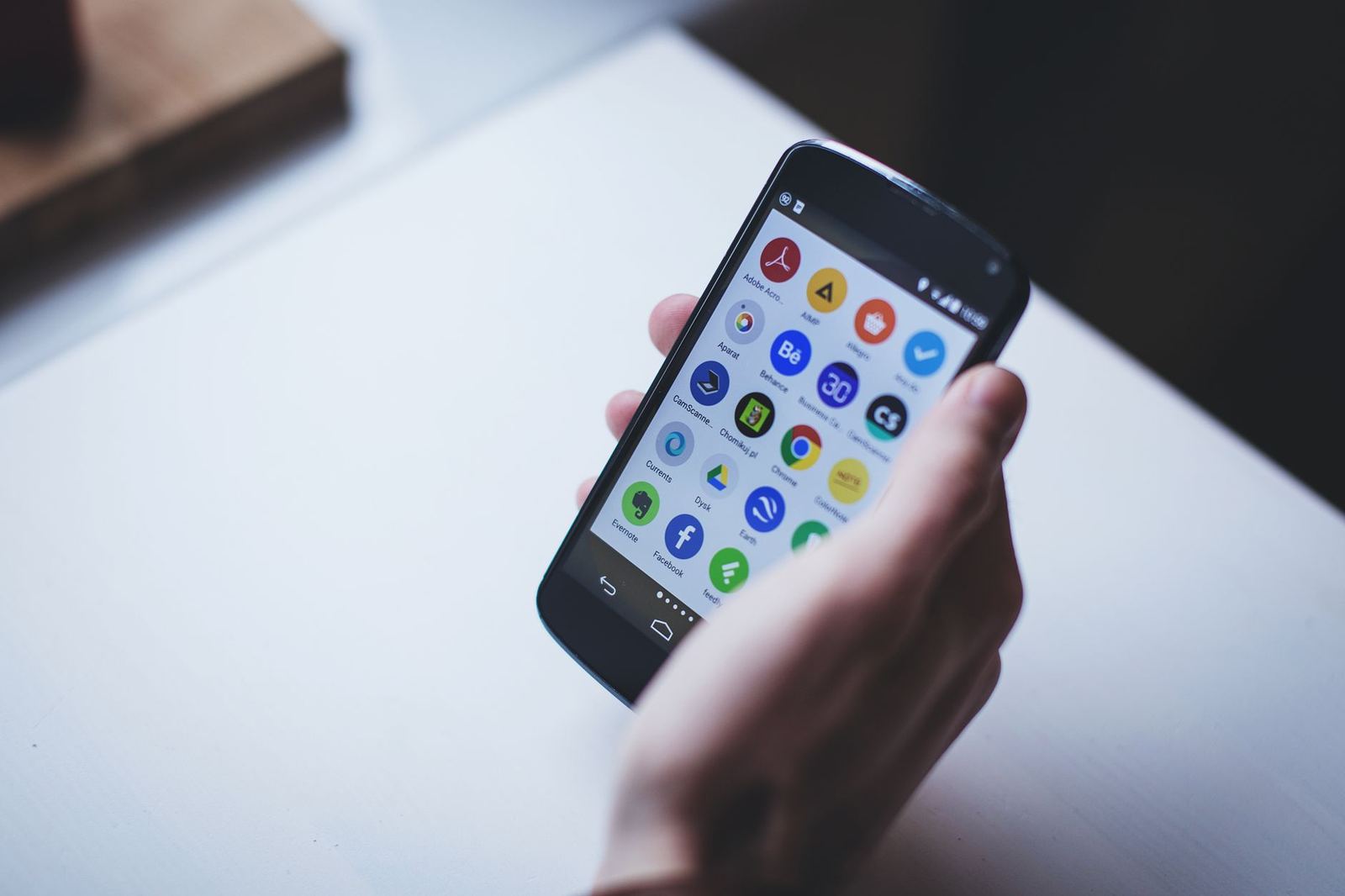
Open Camera is a good fit if you like to set focus, exposure and file format yourself. It is less suited to people who just want one tap and a finished picture.
Device differences matter for travel. Check on your own phone whether RAW and manual sliders show up before you rely on them for a once-in-a-lifetime sunrise.
Shooting habits that matter more than the app
The app is only one link in the chain. Small habits change travel photos more than any download, and they cost nothing.
- Clean the lens. Pockets, sunscreen and street dust leave a smear that makes every night shot look hazy. Wipe it with a soft cloth before you shoot.
- Brace yourself. Lean against a wall, rest your elbows on a table or use a small travel tripod. Night modes work best when the phone stays still.
- Tap to focus and set exposure. Drag the exposure slider down a little when a bright sky is blowing out, because highlights are harder to recover than shadows.
- Shoot a few frames. Crowds move and people blink, so take several versions of a scene you care about.
- Keep your own camera quick to reach. A great app is useless if you open it after the moment has gone.
Treat the control-focused app as a tool for planned scenes such as sunrise viewpoints, architecture and night skies. For fast street moments, stay with the camera that opens fastest on your phone.
Where each type of app fits
Camera apps tend to fall into three groups. Knowing which group you need saves you from installing apps you will never open.
- Your phone’s default camera. Best for speed and for the processing your manufacturer tuned for your sensor, including night and HDR modes.
- Manual and RAW apps such as Open Camera. Best when you want to set focus, exposure or file format yourself, and when you plan to edit afterwards.
- Editing-first apps. These capture and edit in one place, which suits you if you like to finish photos on the phone each evening.
Whatever you choose, remember that results depend on the phone. Open Camera’s own site is open about this: it says it is not possible for the developer to test the app on every Android device out there. If a feature is missing or behaves oddly, that is the likely cause, not something you did wrong.
How to choose and test before you fly
You do not need five apps. Pick one default camera for quick shots and one control-focused app for planned scenes.
- Shoot the same dim indoor scene in your stock camera and in Open Camera.
- Turn on RAW (DNG) in Open Camera, if your phone offers it, and open the file in your editor.
- Try a night shot with the flash off, resting the phone on a wall or tripod.
- Check battery drain and how quickly each app saves a photo.
Large RAW files fill storage fast on a long trip. Plan your backups with our guide to cloud storage for travel photos.
Editing afterwards
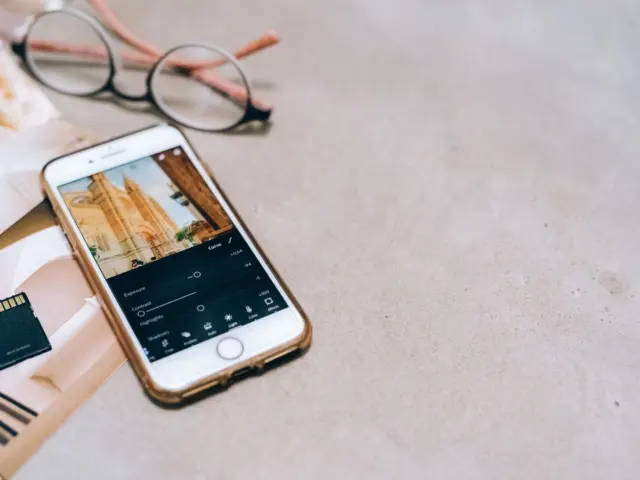
A camera app only captures the file. Editing is where RAW pays off, with more room to recover shadows and adjust white balance.
A simple routine keeps a long trip manageable. Each evening, copy the day’s photos to a backup, delete obvious misses, and pick a handful of favourites to edit while the memory is fresh.
If you shoot RAW and JPEG together, keep both until you have chosen your favourites. The JPEG is quick to share, while the RAW is there for the shots worth a careful edit.
If you also carry an iPhone or share a trip with someone who does, our walkthrough on how to edit travel photos on iphone covers the same ideas on the other platform.
Frequently asked questions
Is Open Camera free?
Show answer
The developer’s site describes it as an open-source camera app and says there are no third party ads in the app. Check the Google Play listing for current pricing.
Does Night Sight work on non-Pixel phones?
Show answer
Google’s help page is written for Pixel phones and tablets, and points non-Pixel users to the Camera from Google Help Center. Check what your own phone supports.
Do all Android phones save RAW?
Show answer
No. Open Camera’s site says some features may not be available on all devices, depending on hardware, camera features and Android version.
Should I turn the flash on at night?
Show answer
For Pixel Night Sight, no. Google says Automatic Night Sight doesn’t work when the flash is on.